
“Print ready” usually just means the file exports without errors. It does not mean it will print correctly.
That gap is where problems happen. Files look fine on screen, pass internal checks, and still fail once they hit production. Colours shift, elements get trimmed, chosen fonts are missing, or layouts behave differently depending on the material.
Print artwork setup is less about ticking boxes and more about understanding how the file will behave once it leaves your screen.
“Print ready” does not mean production ready
Most artwork is signed off visually. If it looks right, it gets approved.
But production introduces variables that are not always obvious at design stage. Substrates absorb ink differently. Finishes affect contrast. Cutting tolerances mean edges are never perfectly exact. Even small misalignments can become noticeable when the job is printed at scale.
That is why files that seem correct can still cause issues. They are technically valid, but not built for how print actually works.
If you are working across multiple formats or outputs, this becomes even more important. Reviewing artwork through a proper design for print lens helps catch issues before they reach production.
Bleed and trim are where most mistakes happen
Bleed is often included, but not always used properly.
Backgrounds might not extend far enough. Key elements sit too close to the edge. Designs assume a perfect cut, which rarely exists in reality. Even a slight shift in trimming can expose edges or clip important details.
This is one of the most common failure points in print artwork setup because it is easy to overlook during design. Everything looks aligned on screen, but production tolerances introduce movement.
The safest approach is to give artwork space. Extend backgrounds beyond the trim and keep critical content comfortably inside safe zones.
Colour rarely behaves the way you expect
Colour is another area where “print ready” can fall short.
What you see on screen is not what you get in print. Files set up in RGB instead of CMYK, incorrect colour profiles, or assumptions about how colours translate across materials can all lead to unexpected results.
Even when everything is technically correct, the material itself can affect the outcome. A colour printed on coated stock will not look the same on uncoated stock. Add finishes like lamination, and the result shifts again.
For projects where colour consistency matters, this is not something to leave to chance. It needs to be considered as part of the artwork setup, not corrected afterwards.
Resolution issues are not always obvious
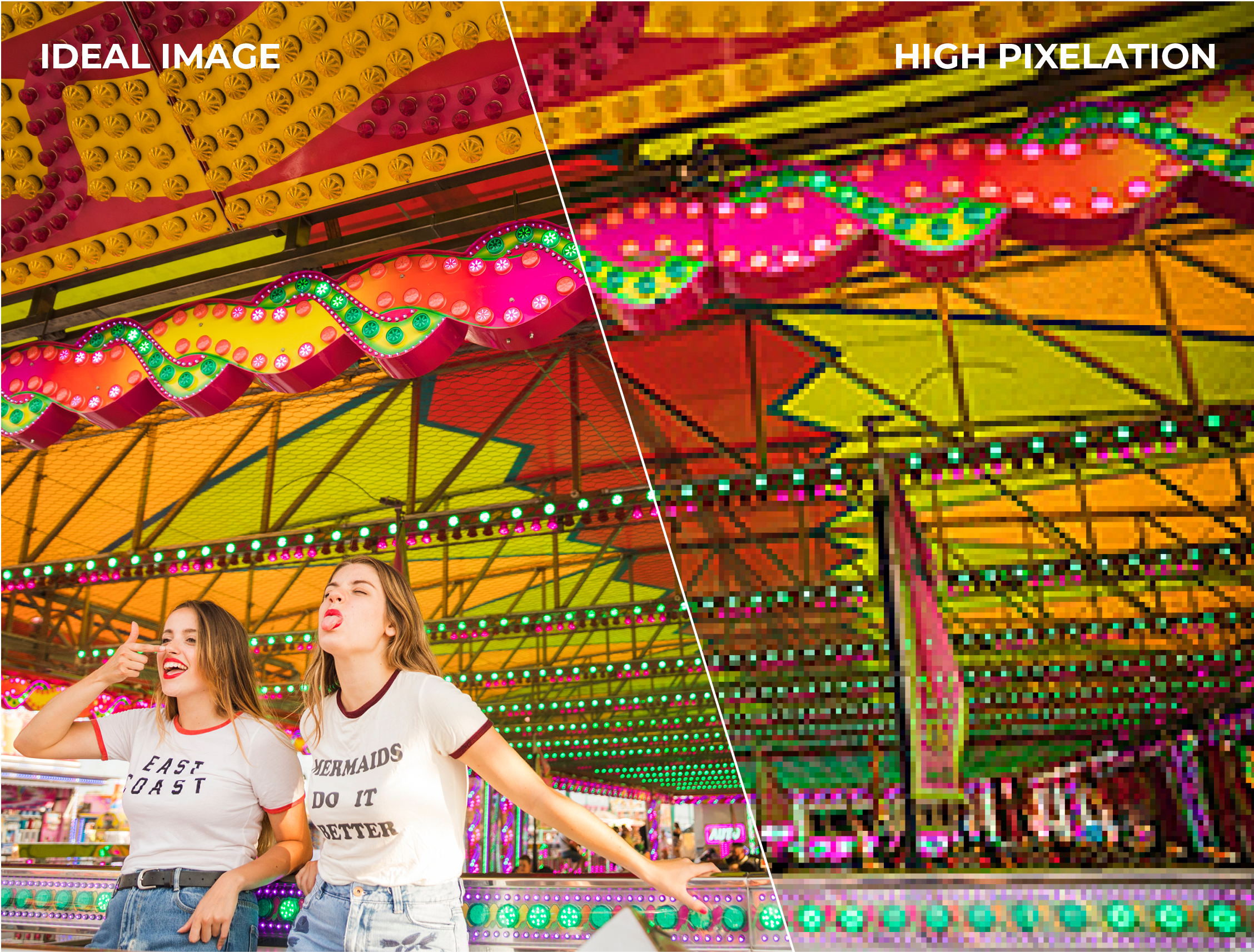
Low resolution images are easy to spot when they are clearly pixelated. The more common issue is borderline resolution that looks acceptable on screen but breaks down in print.
Scaling is often the cause. Images that were originally high resolution can become problematic once they are resized or repurposed across formats.
Large format work makes this even more noticeable. Artwork that works at a smaller size can fall apart when scaled up, particularly for signage or display materials. This is where checking against the final output size, not just the file itself, becomes critical.
Layers, transparencies and overprint can cause unexpected results
Some of the more technical issues are the hardest to catch visually.
Hidden layers, unintended transparencies, incorrect overprint settings or embedded effects can behave unpredictably during production. These issues do not always show up in standard previews but can appear once the file is processed for print.
Flattening artwork correctly and reviewing how elements interact at export stage can prevent this, but it is often skipped in fast paced workflows.
This is where working with a team that has experience with both artwork and production can make a difference. Having proper quality assurance checks in place helps catch issues that are not obvious during design.
File setup needs to match the final use
One of the biggest disconnects happens when artwork is created without fully considering where it will end up.
A design might work perfectly for a brochure but not for packaging. A layout that suits digital use might not translate well to print. Even within print, different applications have different requirements.
Labels, for example, may need to account for curved surfaces, adhesives and finishes. Similarly, artwork for promotional products such as mugs need extra care due to their curved nature. Packaging needs to consider folds, joins and how graphics align across panels. Point of sale materials may need to be viewed from a distance, changing how text and imagery should be handled.
Print artwork setup needs to reflect these realities. Otherwise, the file might be technically correct but practically flawed.

How to avoid issues before they reach production
Most problems can be avoided earlier than people think.
Start by designing with the final format in mind, not adapting a design later. Build in proper bleed and safe zones from the beginning. Work in the correct colour space and understand how materials will affect the result. Check image resolution at the final output size, not just at source.
Just as importantly, treat artwork as part of a wider process. Production is not separate from design, it is where the design is tested.
For more complex projects, or where multiple formats are involved, it is worth sense checking artwork before it goes live. Even experienced teams benefit from a second set of eyes, especially when timelines are tight.
If you want to avoid the common pitfalls and make sure your files hold up in production, the team at Birch can review your print artwork setup and flag any issues before they become costly mistakes. Get in touch through their contact page to keep everything running smoothly from file to final output.


